⚡ Real-time
Live updates over WebSocket. Sensor changes pulse instantly on your desktop — no polling, no lag.
Pluggable desktop widgets
Snapdash is a cross-platform macOS-style desktop widget system. Pin sensors, metrics, anything that streams. Home Assistant today, anything tomorrow via plugins.
or install with Homebrew —
brew install --cask schizza/tap/snapdash
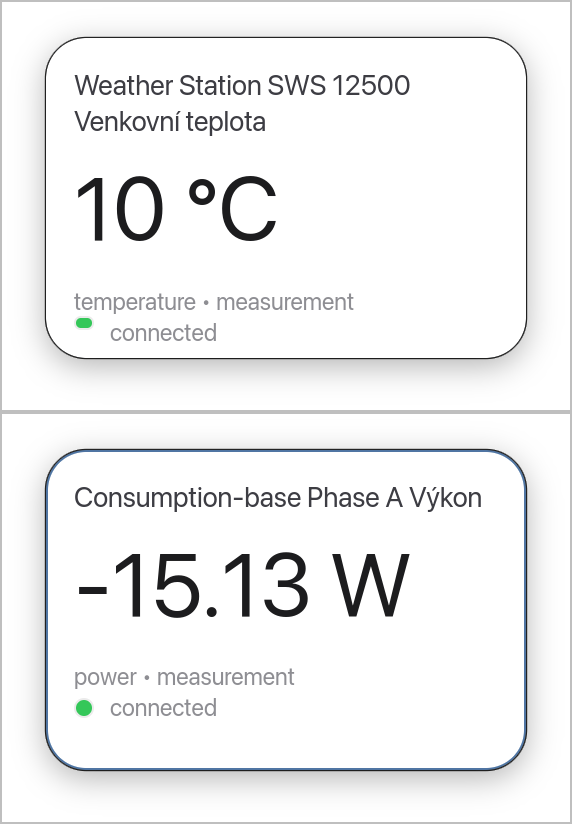
Live updates over WebSocket. Sensor changes pulse instantly on your desktop — no polling, no lag.
Minimal widgets with native macOS vibes. Pin anywhere, drag freely, let them blend with your workflow.
Credentials live in your OS keychain. Never in plain text, never in config files.
Rust + wgpu. Built for 24/7 operation without leaks, spikes, or surprises.
macOS, Windows, Linux. One codebase, platform-native look on each.
Home Assistant is the first integration. Plugin API for arbitrary sources is on the roadmap.
Recommended via Homebrew:
brew tap schizza/tap
            brew install --cask snapdash
Or download .tar.gz from
Releases.
See the install guide for
the unsigned-app workaround.
Download snapdash-vX.Y.Z-windows-x86_64.zip from
Releases.
Extract and run snapdash.exe.
The binary is not yet code-signed; SmartScreen may warn on first launch.
Download snapdash-vX.Y.Z-linux-x86_64.tar.gz from
Releases.
Extract and run ./snapdash.
Requires glibc ≥ 2.35 (Ubuntu 22.04+, Debian 12+, Fedora 37+).
git clone https://github.com/schizza/snapdash.git
            cd snapdash
            cargo build --release
Requires Rust 1.85+.
🚧 Early development — v0.0.1 first public release. Expect rough edges.
Report bugs in Issues, discuss ideas in Discussions, or read the Roadmap.